v0.2.0

ShrinkRay

Less bytes, same vibes.
CLI video compression powered by FFmpeg — smart presets, hardware acceleration, and batch processing in a single binary.

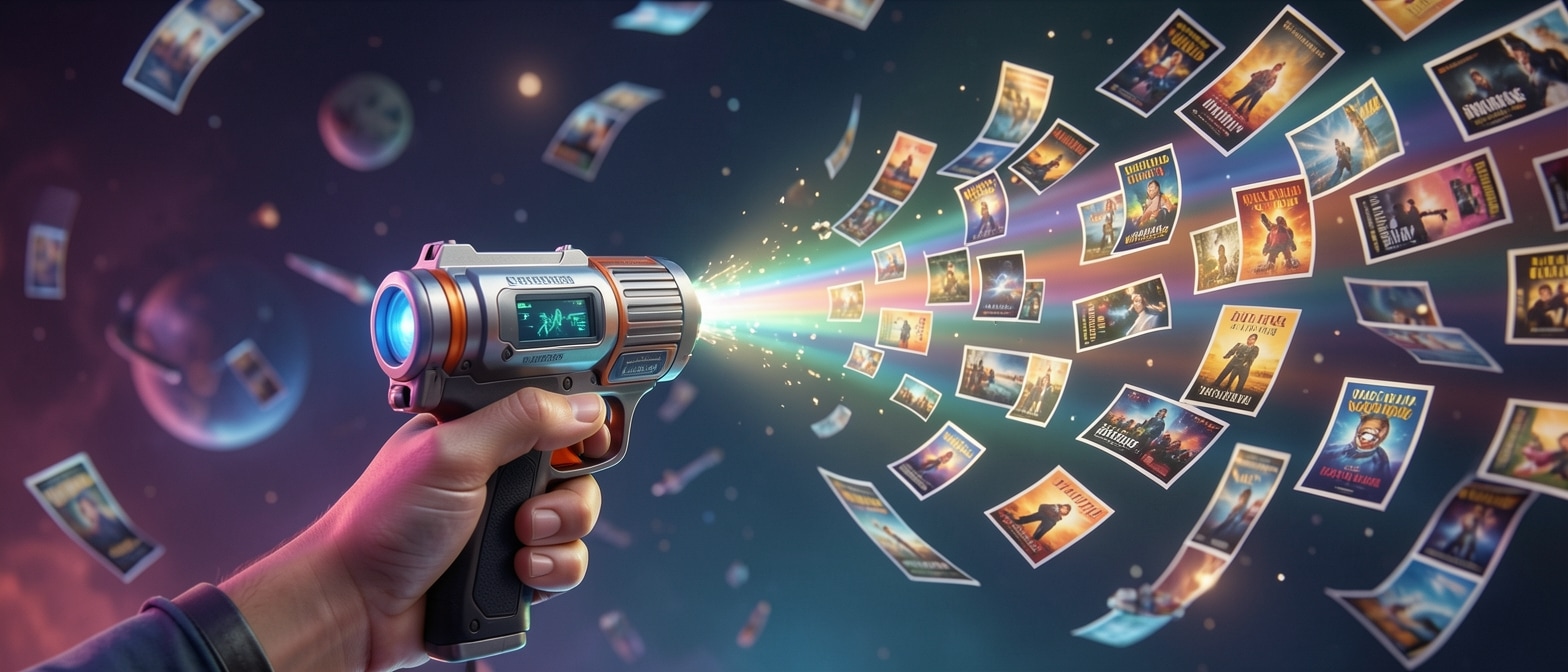
ShrinkRay — a futuristic ray gun compressing video files

Windows · macOS · Linux — single binary, no install


0
Built-in Presets
0
Platforms
0
HW Accelerators
0
Avg Size Reduction
0
Dependencies

Features

Everything You Need

A complete video compression toolkit in a single binary.

🧙
Interactive TUI Wizard
Step-by-step guided compression with a beautiful terminal UI. Pick files, choose presets, preview settings, and encode -- all without leaving your terminal.
🎯
18 Built-in Presets
Quality-tier, purpose-driven, and platform-specific presets so you never have to think about FFmpeg flags again.
🧠
Smart Recommendations
Analyzes your source video and suggests the optimal preset based on resolution, duration, codec, and file size.
Hardware Acceleration
Auto-detects NVIDIA NVENC, AMD AMF, Intel QSV, and Apple VideoToolbox for 5-8x faster encoding.
📦
Batch Processing
Point at a folder and walk away. Parallel workers chew through hundreds of files with recursive scanning and per-file progress.
🖥
Headless Mode
Full CLI flag parity for scripting, CI/CD pipelines, and automation. Every TUI option has a corresponding flag.

Live Demo

See It In Action

shrinkray — terminal
# Compress a single video with the balanced preset
$ shrinkray -i vacation.mp4 -p balanced
 
# Batch compress a folder with 4 parallel workers
$ shrinkray -i ./footage/ -p compact -j 4 --recursive --no-tui
 
# Hit a specific file size target
$ shrinkray --target-size 25mb presentation.mp4
 
# Use hardware acceleration with H.265
$ shrinkray -i 4k-clip.mp4 --hw nvenc --codec h265
 
✓ Done! vacation_shrunk.mp4 — 380 MB → 42 MB (89% smaller)

Presets

18 Smart Presets

Three categories of presets for every use case. No FFmpeg knowledge required.

lossless
Mathematically identical output. CRF 0, no quality loss.
CRF 0 · H.264
ultra
Near-lossless for archival. Visually indistinguishable from source.
CRF 16 · H.265
high
High quality with meaningful compression. Great for editors.
CRF 20 · H.265
balanced Recommended
Best quality-to-size ratio. The default choice for most videos.
CRF 26 · H.265
compact
Aggressive compression for storage savings. Minor quality trade-off.
CRF 30 · H.265
tiny
Maximum compression. Smallest possible files.
CRF 35 · H.265
web-optimized
Fast-start MP4 with web-friendly settings for streaming.
CRF 24 · H.264 · faststart
archive
Long-term storage with maximum quality retention.
CRF 18 · H.265 · veryslow
quick-share
Fast encode for quick sharing via messaging apps.
CRF 28 · H.264 · veryfast
presentation
Optimized for slides and screen recordings.
CRF 22 · H.264
email-friendly
Under 25 MB target for email attachments.
Target size · H.264
youtube
YouTube recommended encoding settings.
CRF 20 · H.264 · 4K ready
instagram
Instagram feed and stories format.
CRF 24 · H.264 · 1080p
tiktok
TikTok vertical video optimization.
CRF 24 · H.264 · 9:16
twitter
Twitter/X video upload optimization.
CRF 26 · H.264 · 2:20 max
discord
Discord 25 MB / 50 MB upload limits.
Target size · H.264
whatsapp
WhatsApp video compression settings.
CRF 28 · H.264 · 16 MB
linkedin
LinkedIn video post optimization.
CRF 24 · H.264 · 10 min

Hardware Acceleration

Lightning-Fast Hardware Encoding

ShrinkRay auto-detects your GPU and picks the fastest available encoder — no configuration needed.

NVIDIA NVENC

GPU-accelerated H.264 & H.265 encoding via CUDA cores

Auto-detected
AMD AMF

Advanced Media Framework for Radeon GPU encoding

Auto-detected
VideoToolbox

Native macOS hardware encoding for Apple Silicon & Intel Macs

Auto-detected
Intel QSV

Quick Sync Video for fast encoding on Intel integrated & Arc GPUs

Auto-detected
Encoding Speed Comparison
Software
1x
1x
Hardware
5–8x
5-8x

ShrinkRay auto-detects your hardware and picks the fastest encoder.
Falls back gracefully to software encoding when no GPU is available.


Encoding Engine

Every Codec, Total Control

Pick the right codec for your use case. Fine-tune quality, speed, and file size down to the last byte.

Codec Comparison

H.264 / AVCMost Compatible
100 MB
H.265 / HEVCBest Compression
60 MB
AV1Next-Gen
45 MB
VP9Open · Web
55 MB

Same quality source — relative output file sizes

Quality Controls

CRF Fine-Tuning18
0 Lossless51 Smallest
Speed Presetmedium
ultrafastveryslow

Max Resolution2160p 4K
480p4K
Two-pass encoding for precise file size targeting
Precision Mode

Tell it the exact size you want

Need to hit a Discord upload limit or email attachment cap? Set a target size and ShrinkRay calculates the optimal bitrate automatically.

$shrinkray--target-size25mbvideo.mp4
CRF Fine-Tuning Two-Pass Encoding Target Size Mode Speed Presets Resolution Control Up to 4K

Parallel Engine

Batch Processing at Scale

Point ShrinkRay at a folder and walk away. Parallel workers chew through hundreds of files while you grab coffee.

./project/ (47 files)
clip01.mp4380 MB
clip02.mp4512 MB
interview/take1.mov1.2 GB
b-roll/drone.mp4890 MB
finals/export_v2.mp42.1 GB
... +42 more files
4 workers
Parallel Workers
W1
100%
W2
67%
W3
50%
W4
33%
shrinkray — batch mode
$ shrinkray -i ./project/ -p compact -j 4 --recursive --no-tui
 
📦 Found 47 video files (12.4 GB total)
⚡ Worker 1: clip01.mp4 ████████████ 100% (380MB → 42MB)
⚡ Worker 2: clip02.mp4 ████████████ 67%
⚡ Worker 3: clip03.mp4 ████████████ 50%
⚡ Worker 4: clip04.mp4 ████████████ 33%
✓ Complete: 12/47 files | 4.2 GB saved | ~2.1x avg compression
Parallel Workers
Saturate all CPU cores with concurrent FFmpeg workers. Scale from 1 to N threads.
-j 4
📁
Recursive Scanning
Crawl nested directories automatically. Every video file found, no matter how deep.
--recursive
📈
Per-File Progress
Live progress bars for each worker. Know exactly what's happening at a glance.
--no-tui
Skip Smart
Already compressed? Already optimal? ShrinkRay skips files that don't need work.
--skip-existing
🔁
Sort Order
Process largest-first, smallest-first, alphabetical, or by date. Your queue, your rules.
--sort size-desc
🔄
Retry Failed Jobs
Transient failures get retried automatically. No babysitting overnight batch runs.
--retry 3

Get Started

Install ShrinkRay

# Windows PowerShell
irm https://raw.githubusercontent.com/jparkerweb/shrinkray/main/install.ps1 | iex

Downloads to %LOCALAPPDATA%\shrinkray and adds to PATH.

# macOS / Linux one-liner
curl -sL https://raw.githubusercontent.com/jparkerweb/shrinkray/main/install.sh | sh

Detects your OS and architecture automatically.

# Build from source with Go 1.25+
go install github.com/jparkerweb/shrinkray@latest

Requires Go 1.25.0 or later. Binary lands in $GOPATH/bin.

# Download the latest release for your platform
https://github.com/jparkerweb/shrinkray/releases/latest

# Extract and move to your PATH
tar -xzf shrinkray_*.tar.gz
sudo mv shrinkray /usr/local/bin/

Pre-built binaries for Windows, macOS (amd64/arm64), and Linux (amd64/arm64).


How ShrinkRay Compares

The best of CLI power with none of the complexity.

Feature Raw FFmpeg HandBrake ShrinkRay
Smart Presets Manual flags ~ Basic presets 18 smart presets
HW Auto-Detection Manual config Yes 4 accelerators
Batch Processing ~ Shell scripts Queue Parallel workers
Interactive TUI None GUI only Terminal wizard
Headless / Scripting Yes ~ CLI mode Full flag parity
Target File Size ~ Manual bitrate calc No --target-size
Single Binary FFmpeg suite Installer Zero deps

Use Cases

Built for Everyone

From solo creators to automated pipelines, ShrinkRay fits the way you work.

Content Creators

Compress gameplay footage for Discord and YouTube without visible quality loss. Hit upload limits effortlessly while keeping every frame crisp.

Social Media Managers

One-click presets tuned for TikTok, Instagram, and Twitter. Export platform-ready files without memorizing codec settings.

DevOps / CI/CD

Headless mode with stdin pipe integration for automated video processing pipelines. Drop ShrinkRay into any build or media workflow.

Video Editors

Batch compress project exports while preserving quality. Process entire folders of renders overnight and reclaim drive space by morning.

Digital Archivists

Archive large video libraries with H.265 or AV1 at near-lossless quality. Slash storage costs without sacrificing a single detail.

Business Users

Email-friendly compression that just works. Shrink meeting recordings and demos to shareable sizes without touching a settings panel.


Cross-Platform

Runs Everywhere

A single static binary with zero runtime dependencies—just bring your own FFmpeg. Built with Go and shipped via GoReleaser for every major OS and architecture.

Windows
amd64
Install
irm https://raw.githubusercontent.com/jparkerweb/shrinkray/main/scripts/install.ps1 | iex
macOS
amd64arm64
Install
curl -fsSL https://raw.githubusercontent.com/jparkerweb/shrinkray/main/scripts/install.sh | bash
🐧
Linux
amd64arm64
Install
curl -fsSL https://raw.githubusercontent.com/jparkerweb/shrinkray/main/scripts/install.sh | bash
📦
Single binary—no installers
⚙️
Zero dependencies (just FFmpeg)
🚀
Built with Go + GoReleaser
Shell completions: bash zsh fish powershell
Download for Your Platform Auto-detects your OS · All releases on GitHub

YAML Configuration

Fully Configurable

One config file to set your defaults, output rules, batch behavior, and theme. No flags to memorize.

config.yaml
1defaults:
2  preset: balancedSMART PRESETS
3  codec: h265HEVC DEFAULT
4
5output:
6  suffix: _shrunk
7  mode: suffixSAFE OUTPUT
8  conflict: rename
9
10batch:
11  jobs: 2PARALLEL
12  skipExisting: false
13  sort: size-asc
14
15ui:
16  theme: neon-duskTHEMES
17  animations: true
P
Smart Presets & Codec

Set your default compression preset and codec once. Choose from 18 built-in presets like balanced, web-optimized, or archive so every encode starts exactly how you want.

O
Output Rules

Control naming with suffix or subfolder mode. Conflict resolution via rename, overwrite, or skip ensures your originals are never touched.

B
Batch Processing

Run parallel encodes with jobs: 2, skip already-compressed files, and sort the queue by size, name, or date. Process entire directories hands-free.

T
UI Theming

Switch between neon-dusk and electric-sunset color themes. Toggle animations on or off depending on your terminal preference.

Linux / macOS~/.config/shrinkray/config.yaml
Windows%APPDATA%\shrinkray\config.yaml

Open Source & Community Driven

ShrinkRay is Apache 2.0 licensed and welcomes contributions

Built with ❤️ in Go